Charts in the Analytics > Charts menu provide the ability to graphically analyze data in the app. In addition to static charts that show specific data relationships, the Analytics > Pivot Grids menu contains customizable Pivot Grids for N-dimensional analysis and reporting. Charts are also available in the Home page widgets.
To see more information about a specific chart item, hover over it with your mouse. All static and pivot grid charts automatically resize to fit the browser window. To refresh a chart, click the refresh button at the right-end of the filter bar.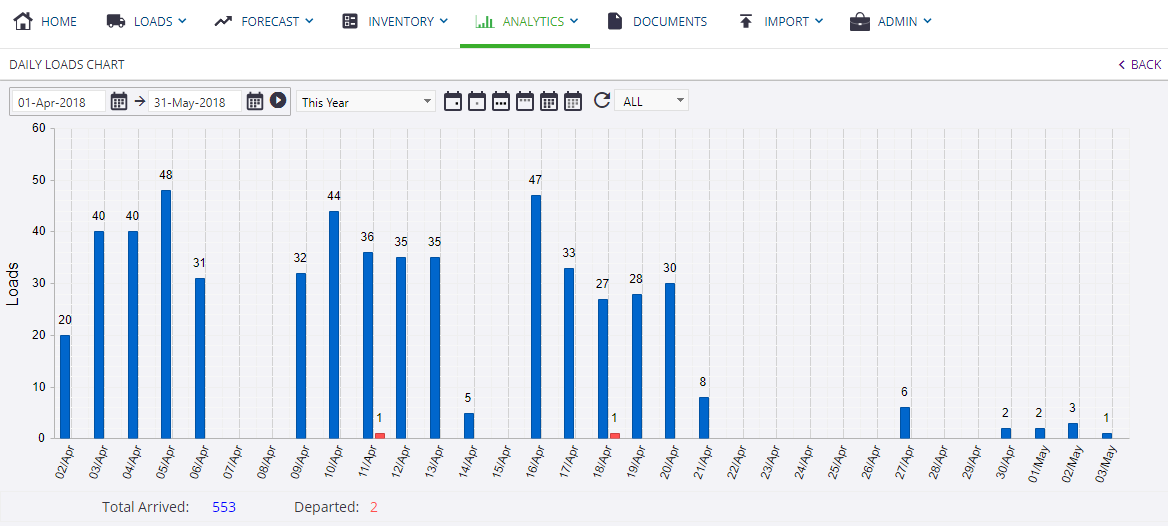

CFXchange Support Portal